About PixieMap
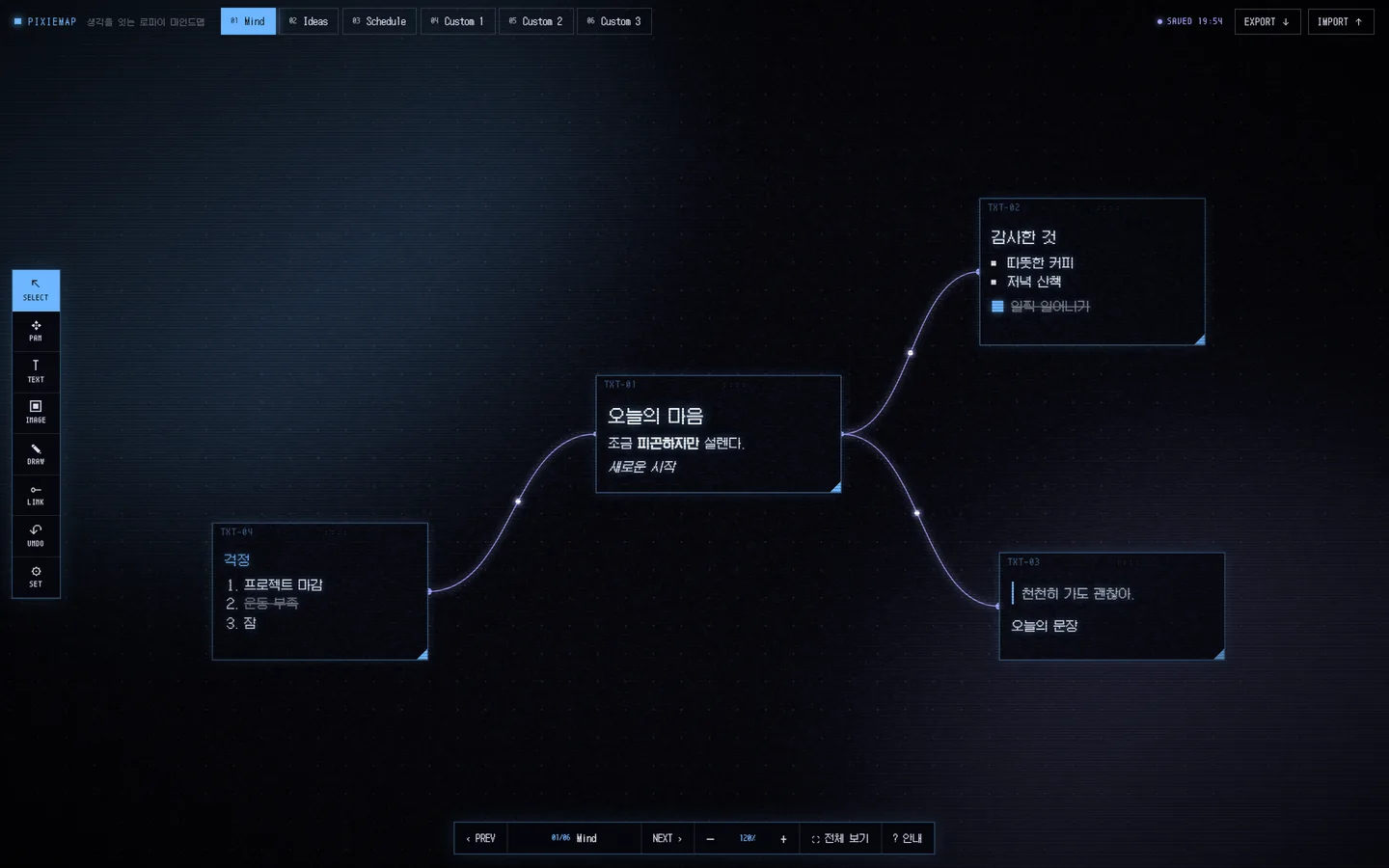
PixieMap is a free mind map where you place your thoughts in boxes on a dark canvas and connect them like neurons.
Drop boxes as ideas come and link them up, and scattered thoughts become a single map. Keep separate categories for each topic — feelings, ideas, plans.
Why you might like it
Open it and start right away — no sign-up, no login.
By default, your maps are stored only on the device you're using.
If you want, one username keeps your maps the same across devices.
Install it like an app on your PC, iPad or phone, and open it offline.
Galmuri pixel fonts and soft grain give it a lo-fi mood.
FAQ
Is PixieMap free?
Yes, every feature is free to use. There are no payments or subscriptions.
Do I need an account?
No. You can use it as soon as you open it. You only create a username if you want the same maps on several devices.
Where are my maps saved?
By default, only in your browser's storage on this device — nothing is sent to a server. If you turn on sync, they're also saved to your vault (the server). See the privacy policy for details.
Does it work on phones and iPads?
Yes. Open it in your browser and add it to your Home Screen to use it like an app. Move around with one finger, zoom with two, and draw straight away with an Apple Pencil. You can also install it as an app on a Windows PC.
Can I use it offline?
Yes. Once you've opened it, you can open and edit it without internet. If sync is on, everything catches up automatically when you're back online.